I configured VMware Cloud Services Portal to use Azure AD federation for user accounts to be able to access VMware Cloud Services. It’s worth nothing anyone with an existing native VMware Cloud Services account which may have been created at the same time as a VMware Customer Connect account need to link their Azure AD federated domain account when they first log in to VMware Cloud Services via the new Azure AD federation.
Browse to the VMware Cloud Service Platform here: VMware Cloud Services
Enter your email address which will be the same used your VMware Customer Connect account > Click Next

After completing log in, Click Link VMware ID
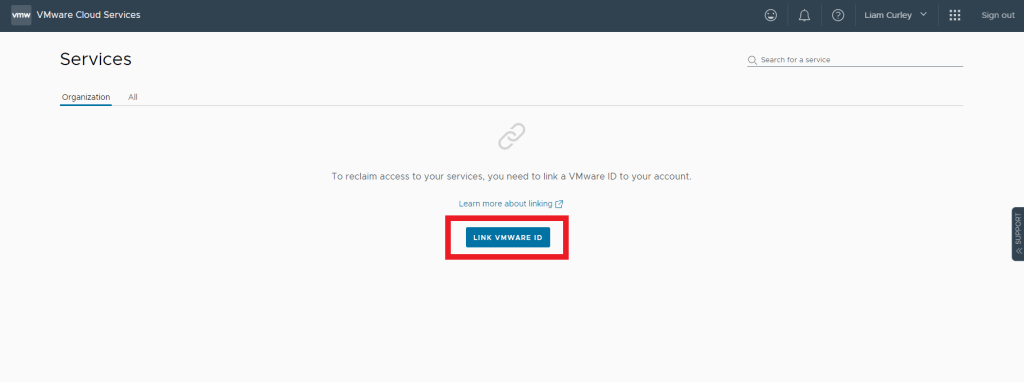
Enter your email address in the VMware ID Email text box > Click Next

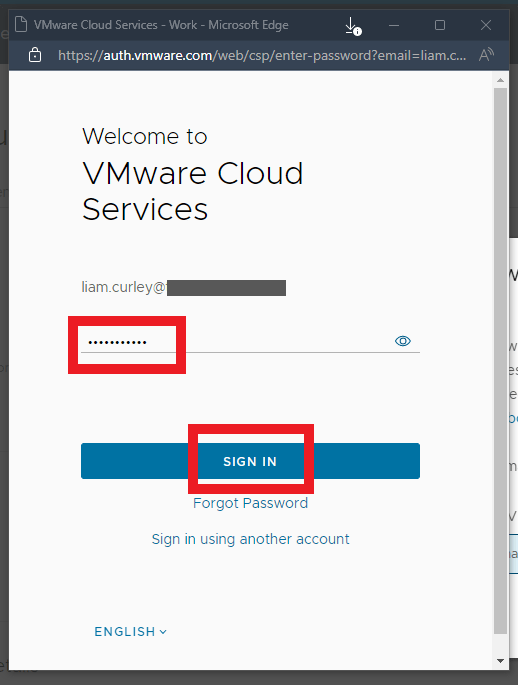
Enter your VMware ID password previously used for Customer Connect and Cloud Services > Click Sign In
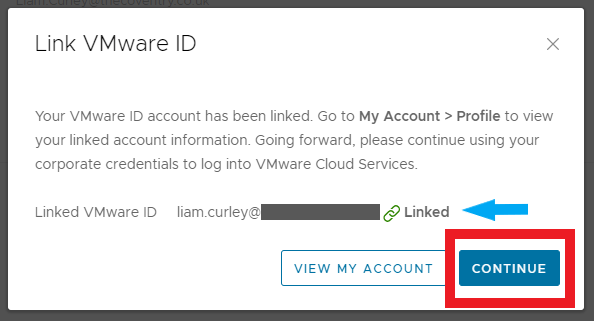
Confirm your ID now shows as Linked > Click Continue
 Define The Data Centre