VMware Aria Operations supports high availability (HA) which creates a replica for the VMware Aria Operations primary node and protects against the loss of a node.
To activate Aria Operations High Availability, you’ll need to have one data node deployed. You can see my previous post here for a guide on how to deploy another Aria Operations Node to an existing cluster.
Log in to the Aria Operations Node admin interface > Note there is a Primary and a Data Node > Click Activate HA in the Configure Availability area

Read the information about High Availability and confirm the Node > Click OK

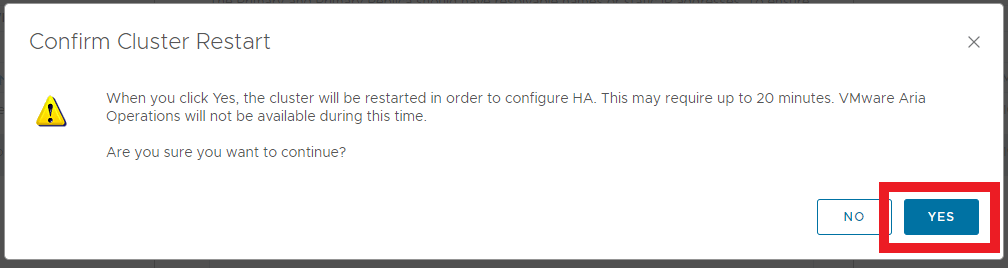
Confirm the Cluster will be restarted > Click Yes
The Configure Availability ares will change to Activating

Monitor the progress of the Activation and the Cluster Status from within the admin interface

Once the process is complete, the Cluster Status will be Online and the High Availability will show as Activated. The Node which was previously a Data Node is now a Primary Replica

 Define The Data Centre